Appearance
Tutorial
The tutorial adds a short, preset-aware preparation flow before the user takes or uploads a photo. Use it when your client experience needs fewer failed captures, clearer user expectations, or a more educational onboarding step before analysis.
Regular tutorial/banner flow is available on the Source Selection screen, so it requires sources to include a camera source (front_camera or back_camera) and upload. An exception is entry-point="tutorial-alt": it can show the tutorial immediately even when sources contains only a camera source.
Typical use cases:
- show users how to prepare before face or hair analysis;
- reduce retakes caused by glasses, hair position, makeup, masks, wet hair, or poor lighting;
Built-in tutorial content
Built-in tutorial content follows the selected preset:
faceandface-180show face-preparation guidance;hairshows hair-preparation guidance;- custom tutorial arrays can replace the built-in image flow.
The default face and face-180 tutorial suggestions are:
- remove glasses;
- move hair away from the face;
- remove any make-up or mask;
- keep the face well lit from the front.
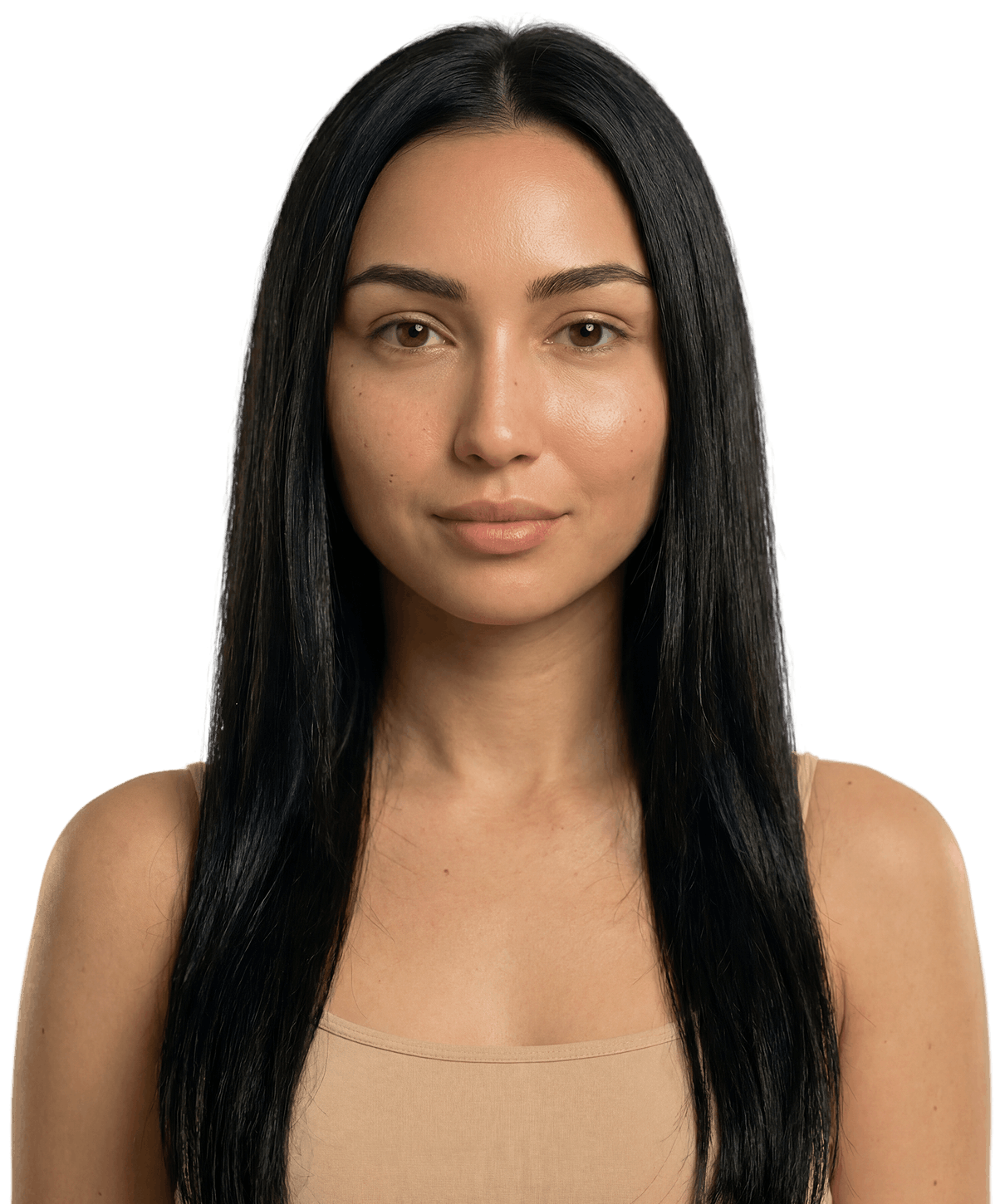
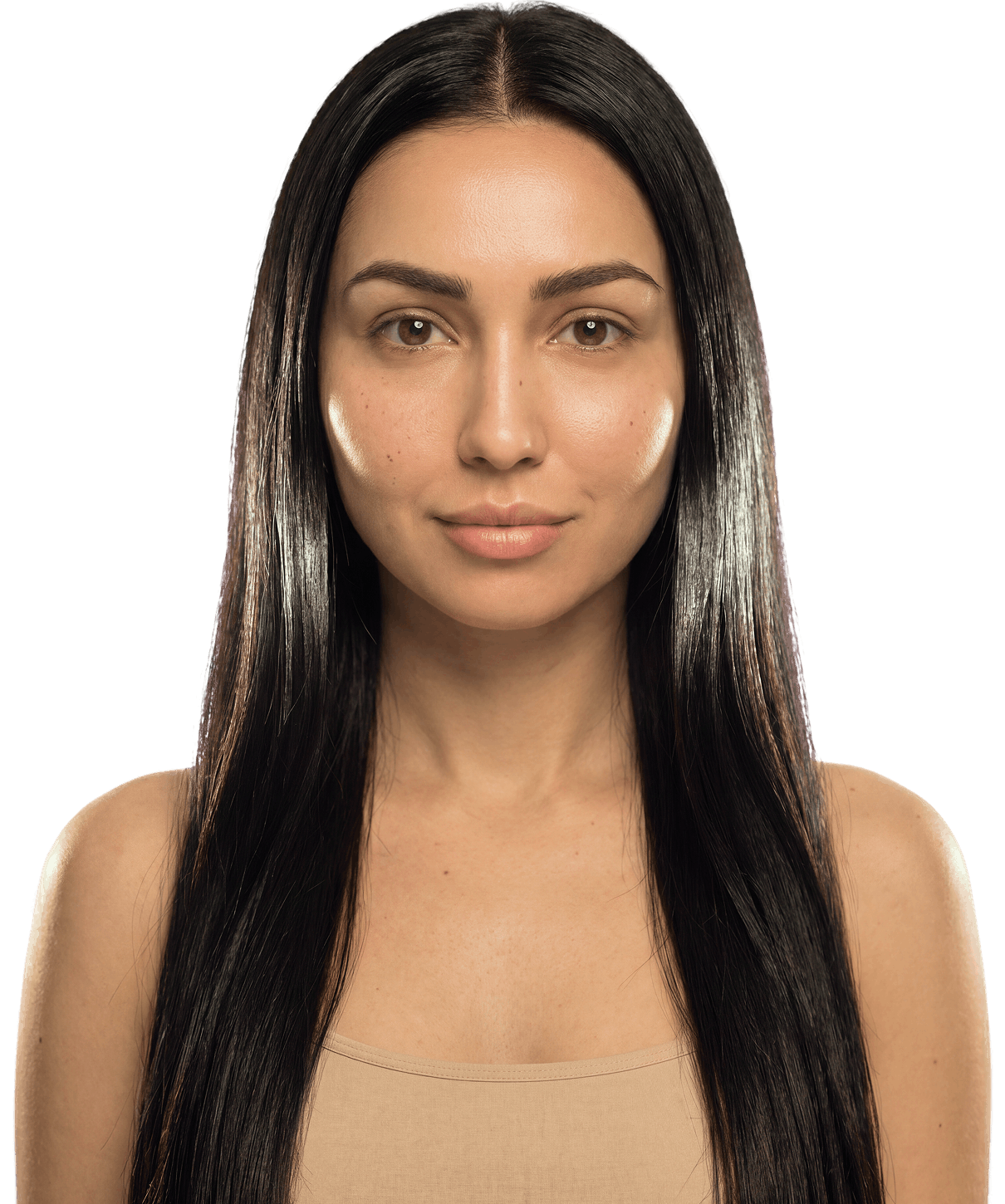
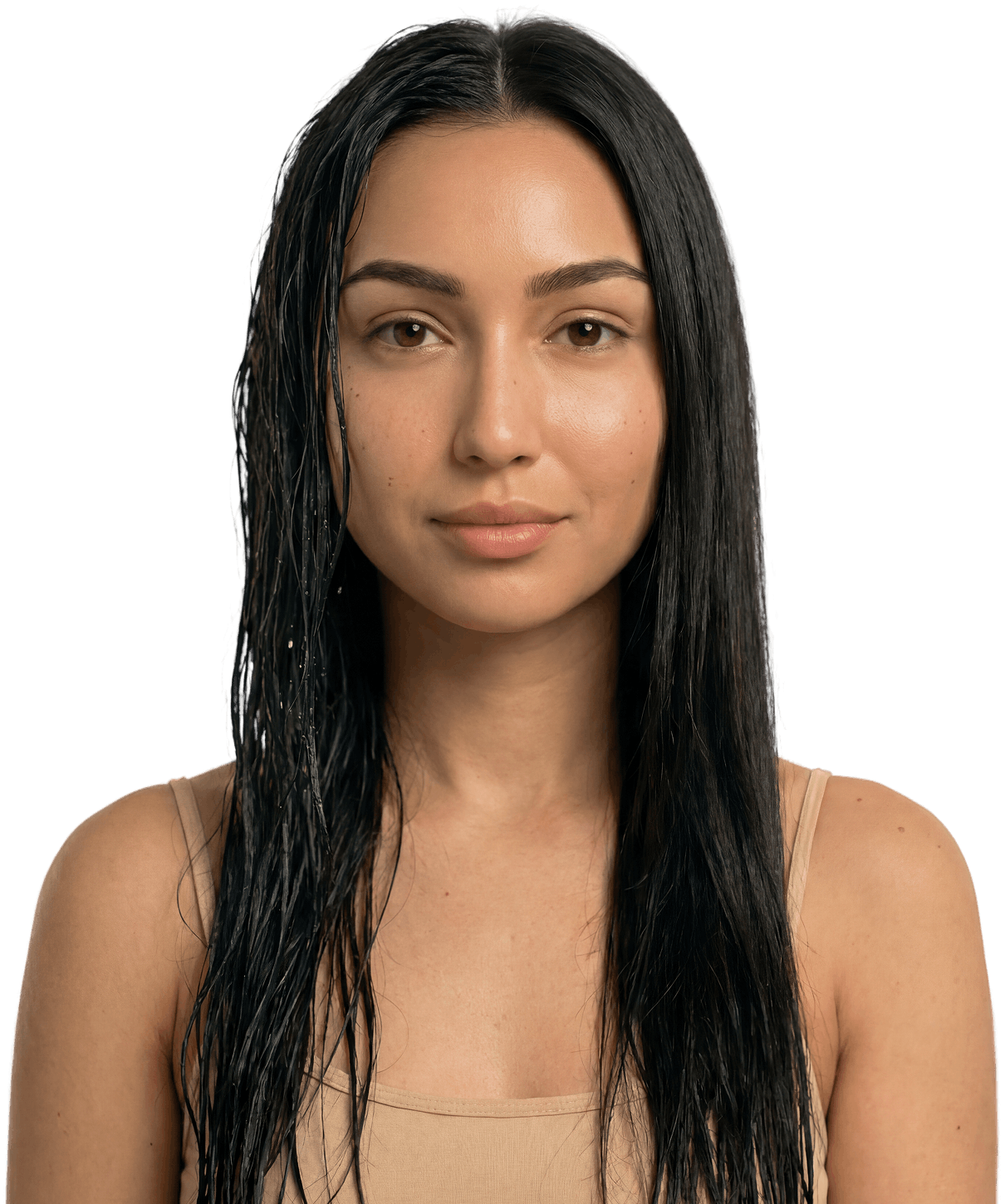
The default hair tutorial suggestions are:
- bring hair forward;
- make sure hair is well lit;
- keep hair dry.
Modes
Use the tutorial attribute to choose how the built-in instruction flow is shown:
tutorial="off"disables the tutorial.tutorial="image"shows the built-in tutorial as image slides.tutorial="video"shows the built-in face and face-180 tutorial as video slides.
Hair preset limitation
For now, the built-in hair tutorial supports image slides only and uses one built-in visual character. The tutorial-character attribute does not change hair tutorial visuals.
tsx
tsx<hautai-liqa license ="LICENSE_KEY_PROVIDED_BY_HAUT.AI"sources ="front_camera,upload"tutorial ="image" > </hautai-liqa >
tsx<hautai-liqa license ="LICENSE_KEY_PROVIDED_BY_HAUT.AI"sources ="front_camera,upload"tutorial ="image" > </hautai-liqa >
tsx
tsx<hautai-liqa license ="LICENSE_KEY_PROVIDED_BY_HAUT.AI"sources ="front_camera,upload"tutorial ="video" > </hautai-liqa >
tsx<hautai-liqa license ="LICENSE_KEY_PROVIDED_BY_HAUT.AI"sources ="front_camera,upload"tutorial ="video" > </hautai-liqa >
Defaults
The default image tutorial uses preset-specific slides.
Face and face-180
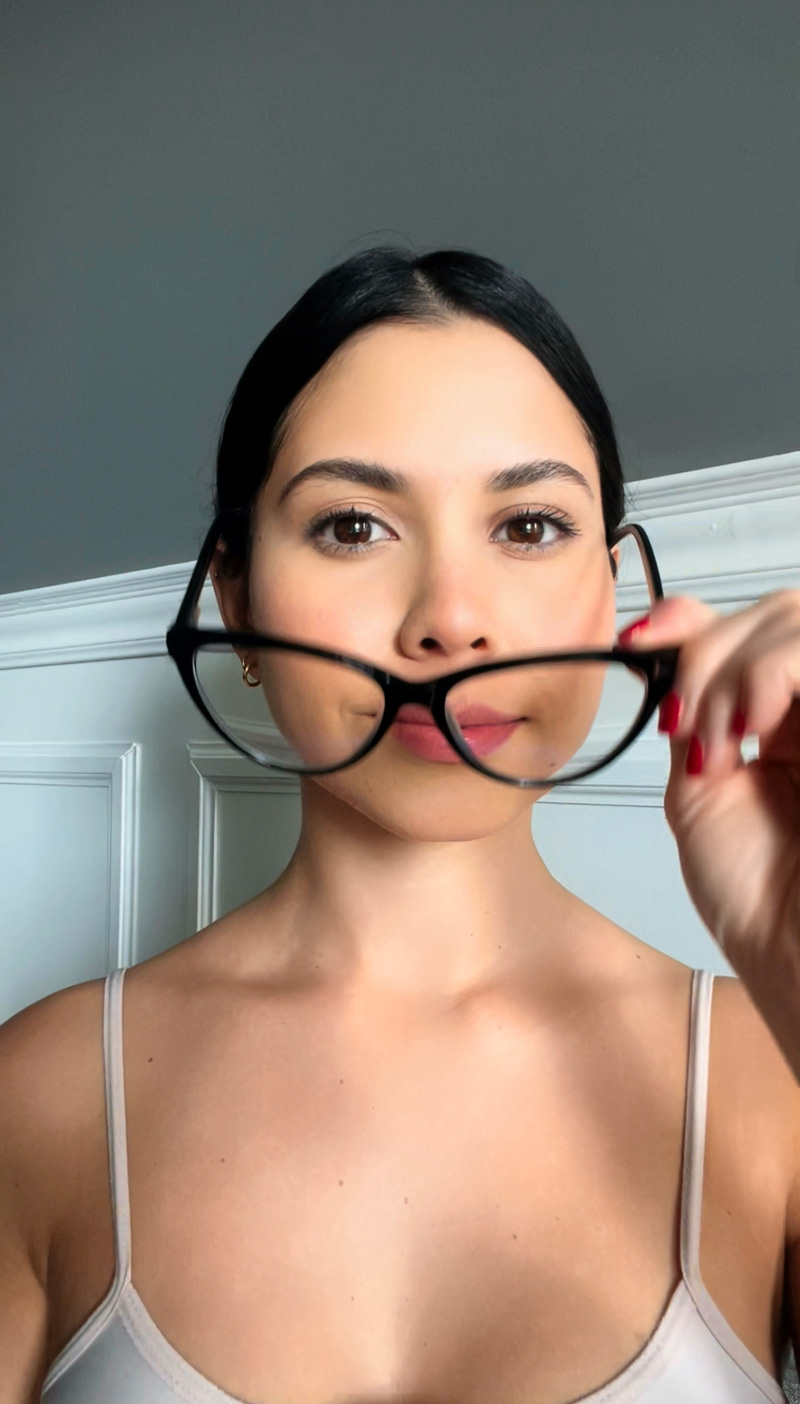
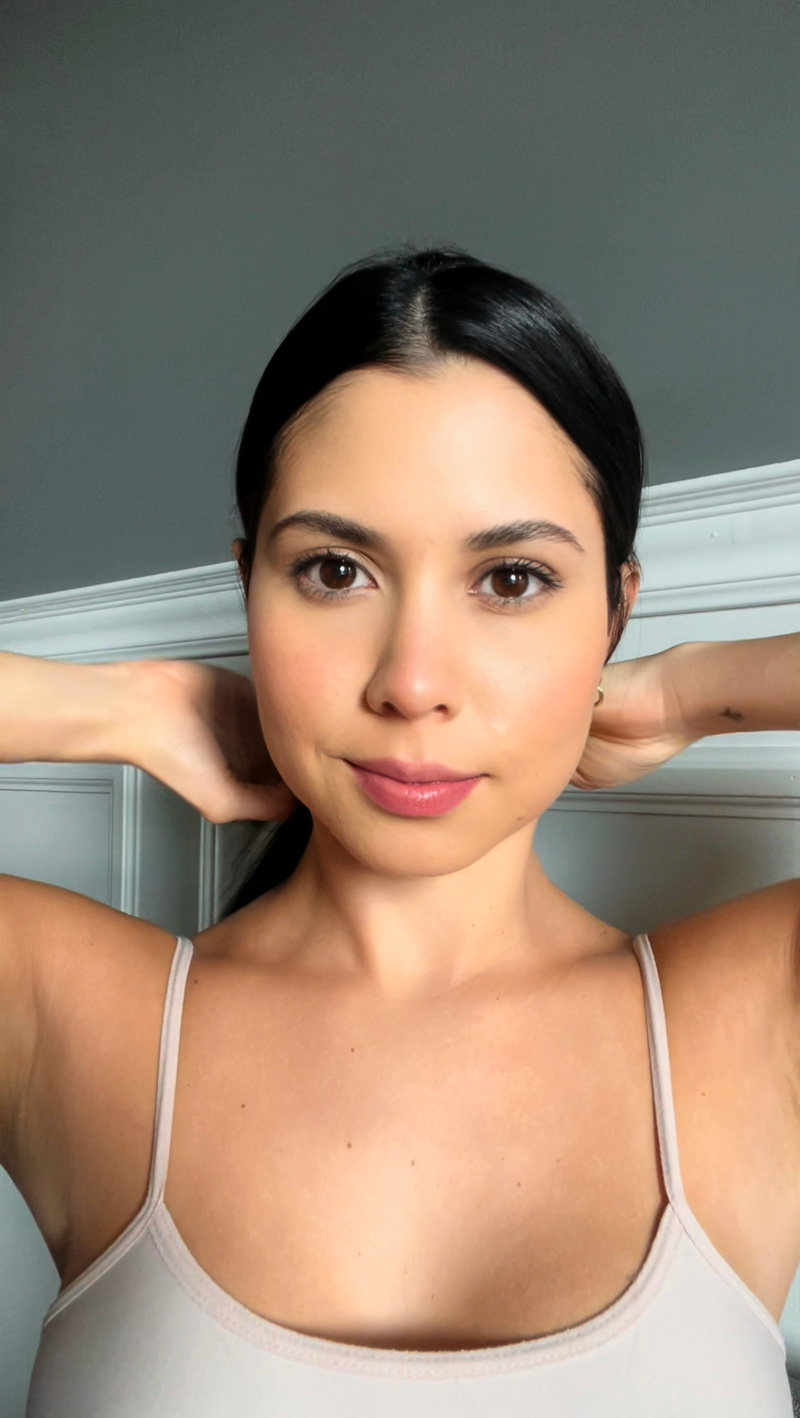
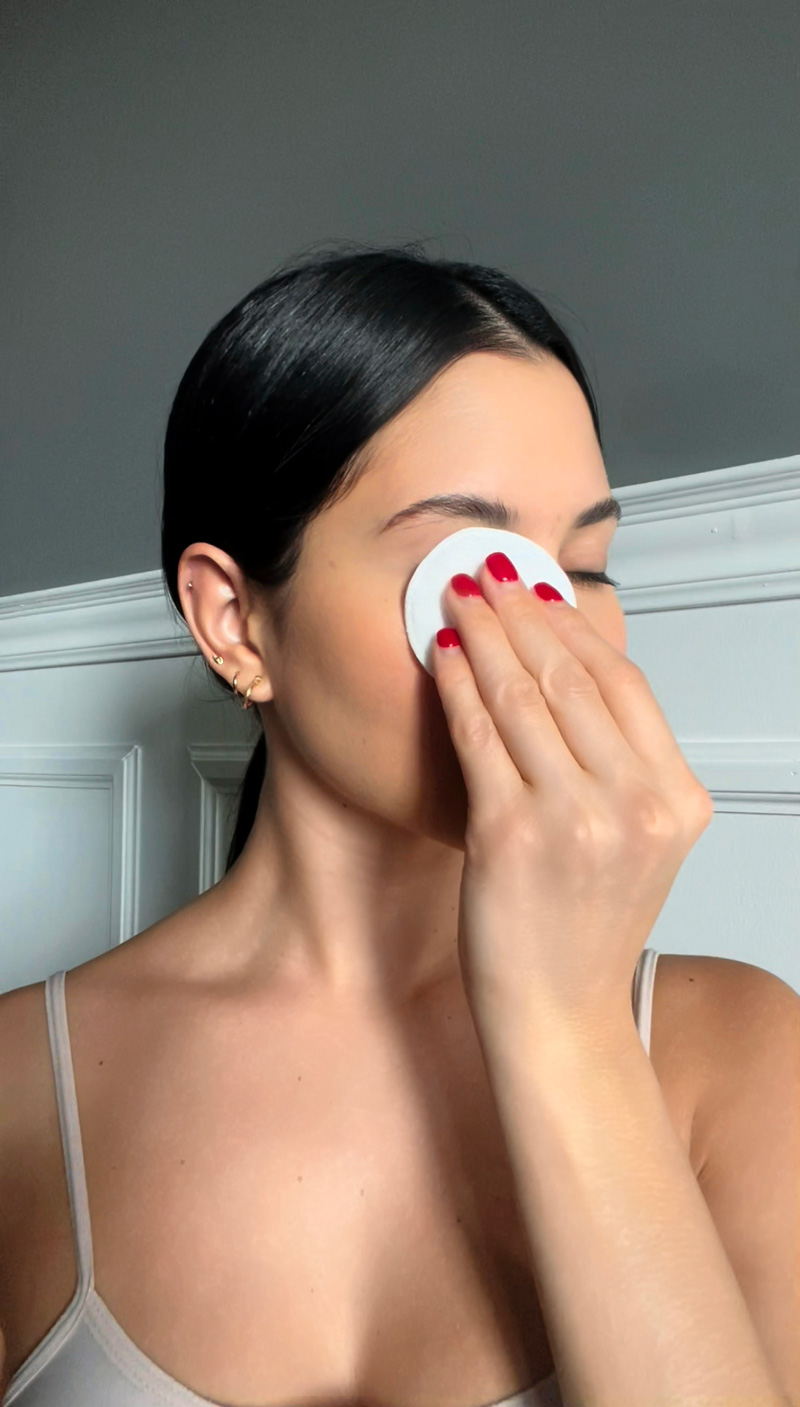
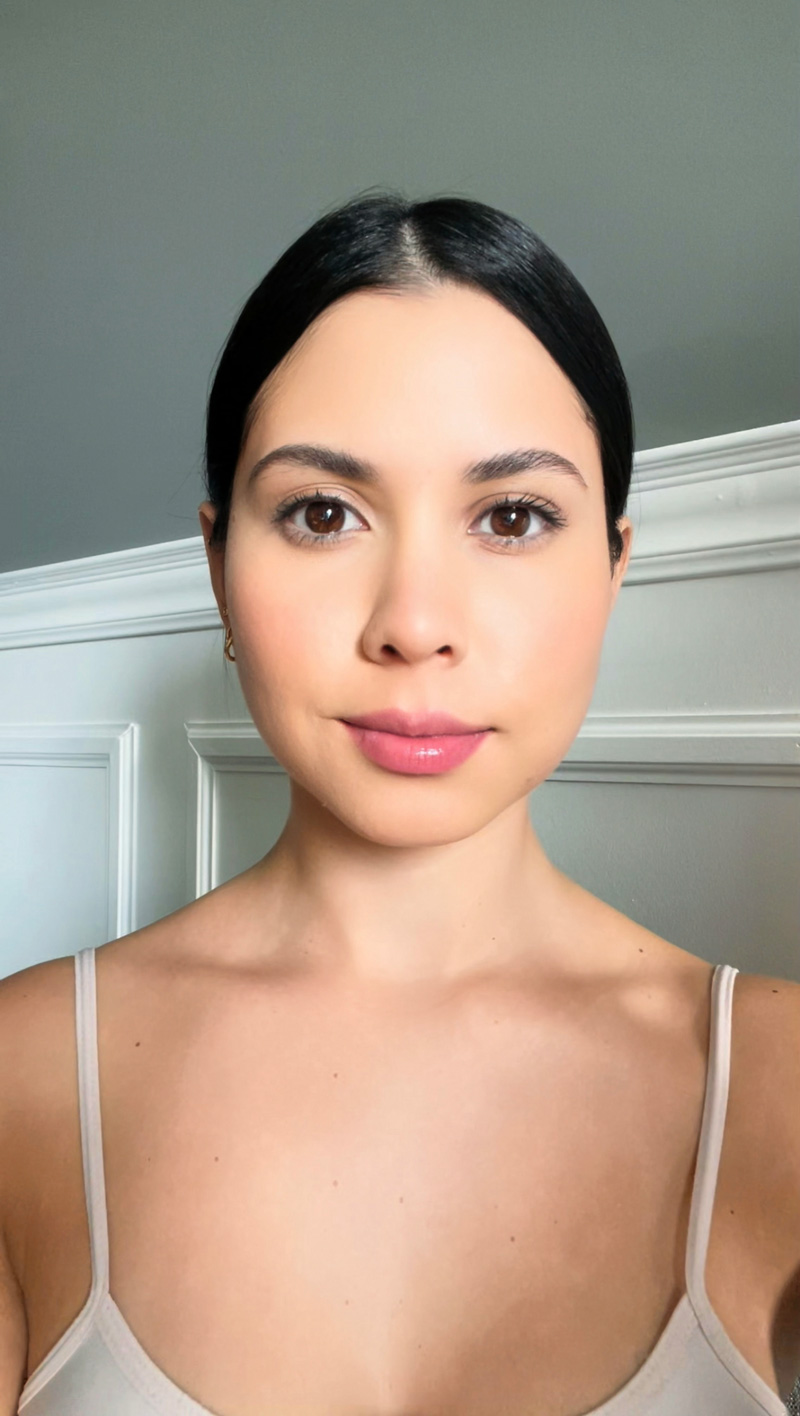
Hair
Step order
Use the step-order attribute to reorder the built-in tutorial steps. The value must include every step for the selected preset exactly once.
If step-order is omitted or empty, LIQA uses the preset default order. If the value contains an unknown step, a duplicate step, a partial list, or a step from another preset, LIQA falls back to the default order and logs a console warning.
Custom tutorial arrays keep the order from the JSON array and ignore step-order.
Face and face-180
Valid step IDs:
glasses-offhair-away-from-facemakeup-offgood-lighting
html
<hautai-liqa
  license="LICENSE_KEY_PROVIDED_BY_HAUT.AI"
  sources="front_camera,upload"
  tutorial="image"
  step-order="good-lighting,glasses-off,hair-away-from-face,makeup-off"
></hautai-liqa>
Hair
Valid step IDs:
hair-well-lithair-forwardhair-dry
html
<hautai-liqa
  license="LICENSE_KEY_PROVIDED_BY_HAUT.AI"
  preset="hair"
  sources="front_camera,upload"
  tutorial="image"
  step-order="hair-dry,hair-well-lit,hair-forward"
></hautai-liqa>
Tutorial visuals customization
Use the tutorial-character attribute to replace the tutorial visuals with another character.
This customization applies to the built-in face and face-180 tutorials. The built-in hair tutorial currently uses its single default visual character.
html
<hautai-liqa
  license="LICENSE_KEY_PROVIDED_BY_HAUT.AI"
  sources="front_camera,upload"
  tutorial="video"
  tutorial-character="8"
></hautai-liqa>
See Character Customization for the available character IDs and examples.
Custom tutorial
You can provide a custom tutorial by passing a JSON-encoded array to the tutorial attribute. Each item in the array must contain:
src: an image URL for the tutorial step;hint: the instruction text displayed under that image.
Image material guidelines
LIQA does not enforce a specific custom tutorial image resolution, but the default materials can be used as a reference:
- default face tutorial images are portrait photos around
800 x 1400 px; - default hair tutorial images are portrait graphics at
1210 x 1450 px.
Use the same aspect ratio and resolution across all custom steps so the tutorial does not visually jump between slides. Optimize images before serving them: prefer compressed jpg or webp for photos, use png or webp only when transparency is needed, and keep each file as small as practical for fast loading.
html
<hautai-liqa
  license="LICENSE_KEY_PROVIDED_BY_HAUT.AI"
  sources="front_camera,upload"
  tutorial='[
    { "src": "https://your-domain.com/tutorial/step1.jpg", "hint": "Remove glasses" },
    { "src": "https://your-domain.com/tutorial/step2.jpg", "hint": "Move hair back" },
    { "src": "https://your-domain.com/tutorial/step3.jpg", "hint": "Keep your face well lit from the front" }
  ]'
></hautai-liqa>
How custom tutorial works
- Steps are displayed in the order they are provided in the JSON array.
- The first step image is also used in the tutorial banner preview on the Source Selection screen.
- If the JSON array is empty, LIQA falls back to the default built-in tutorial slides.
tutorial-characteris ignored.
Important
Custom tutorials are currently supported only for the image tutorial type.