Appearance
Character Customization
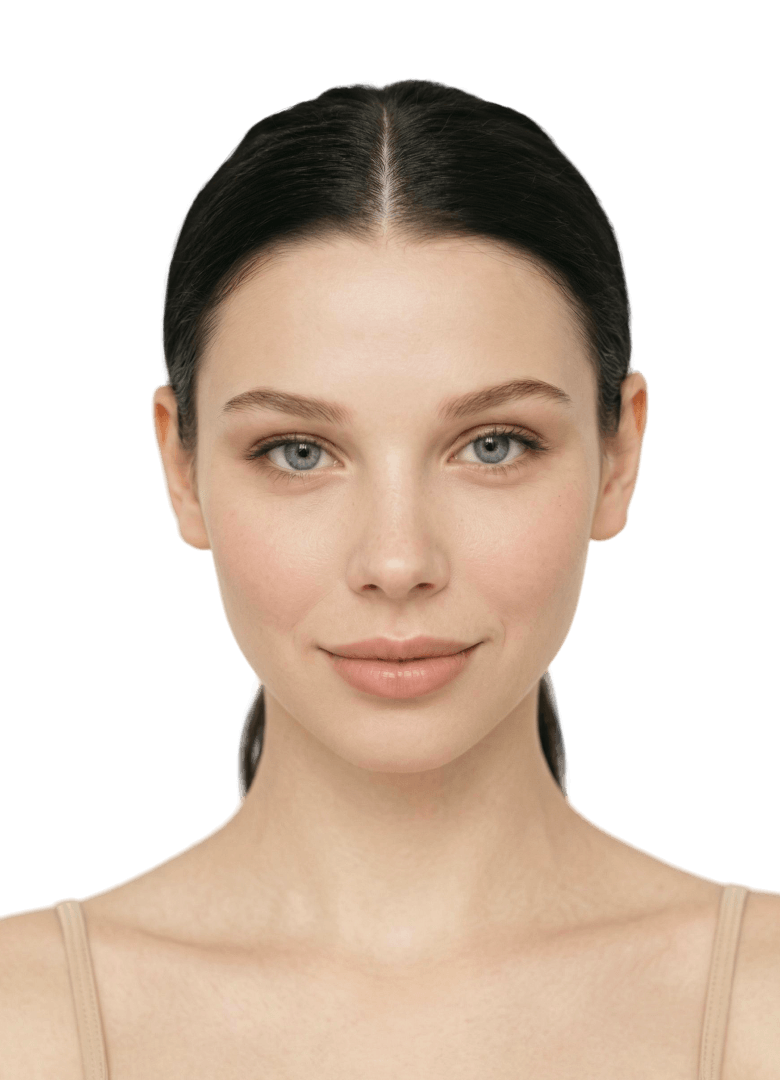
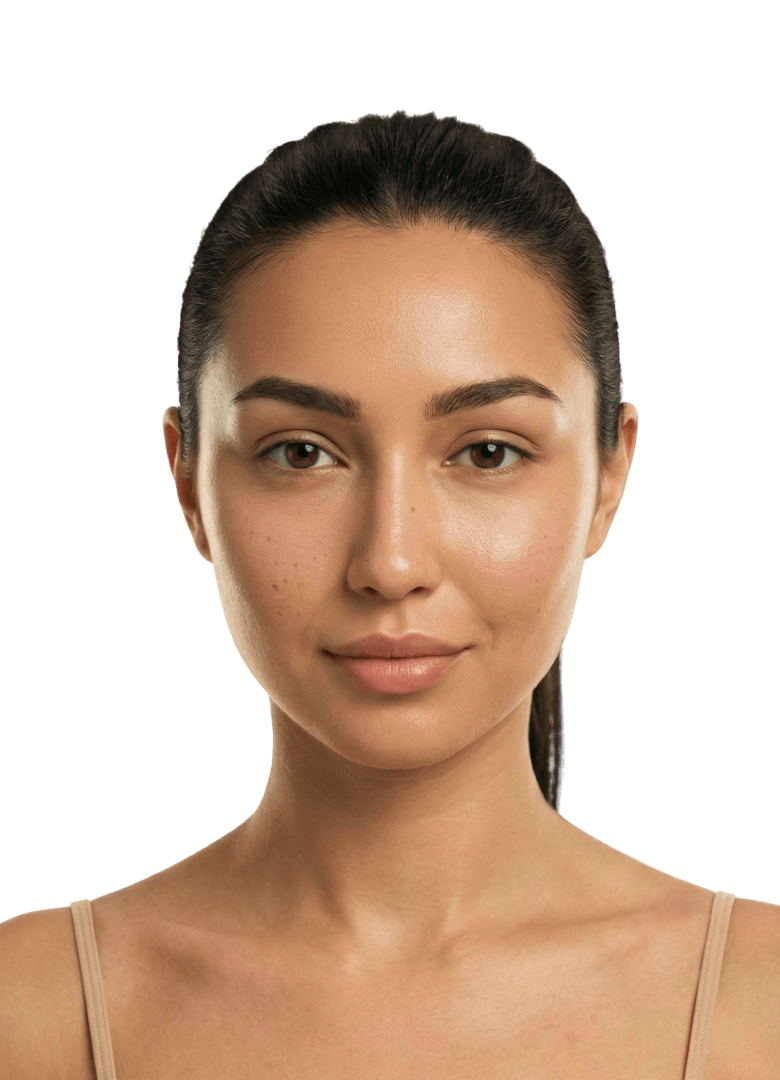
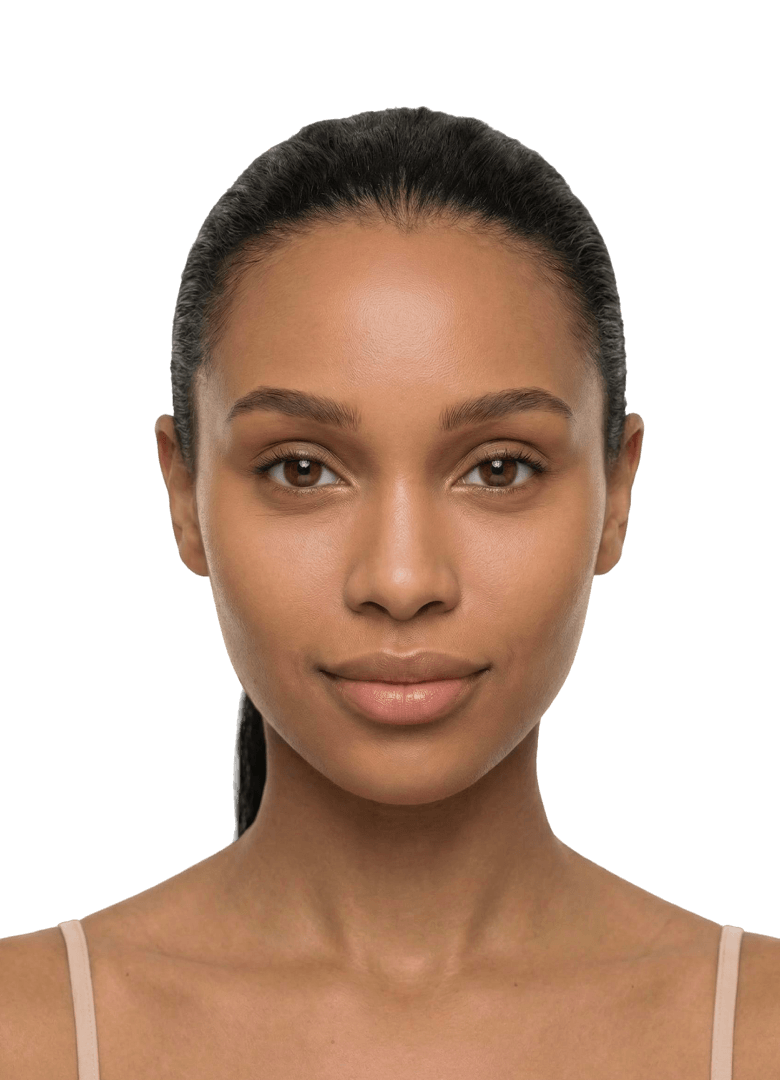
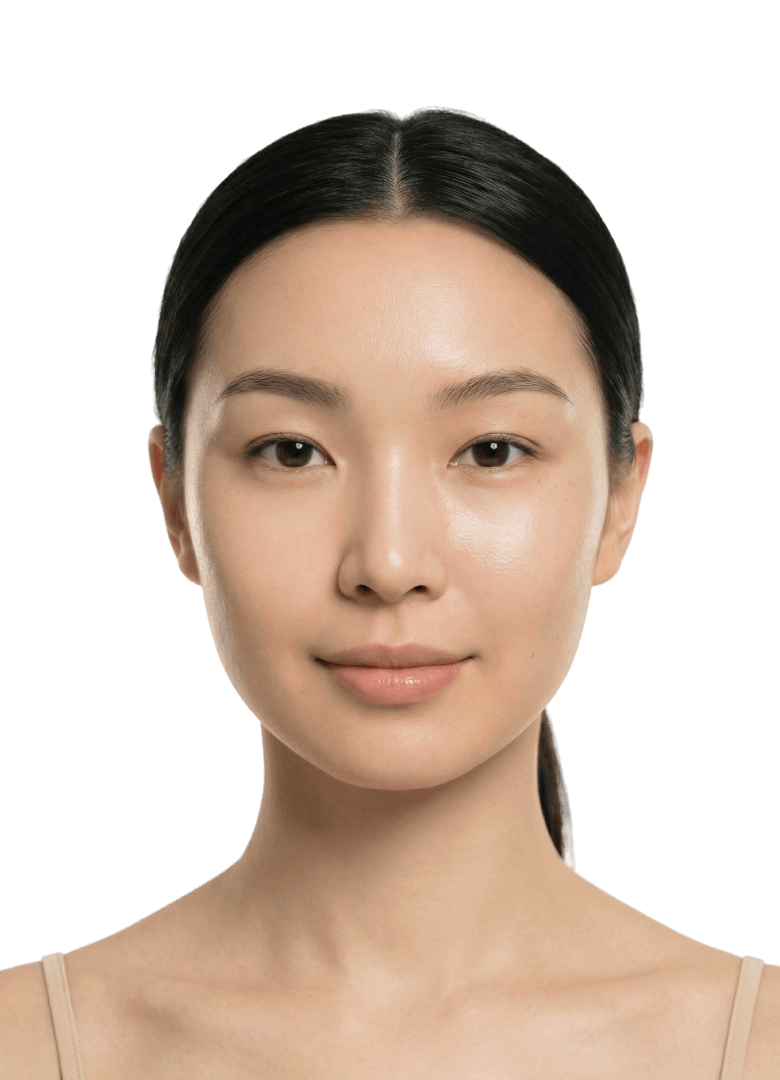
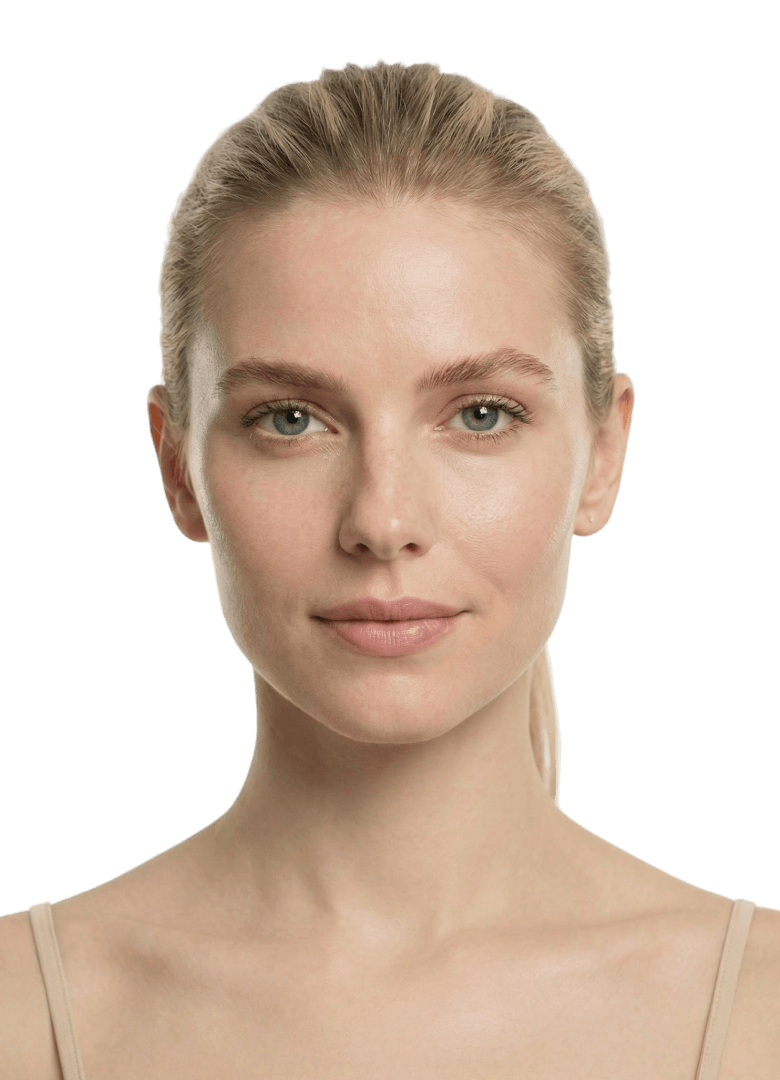
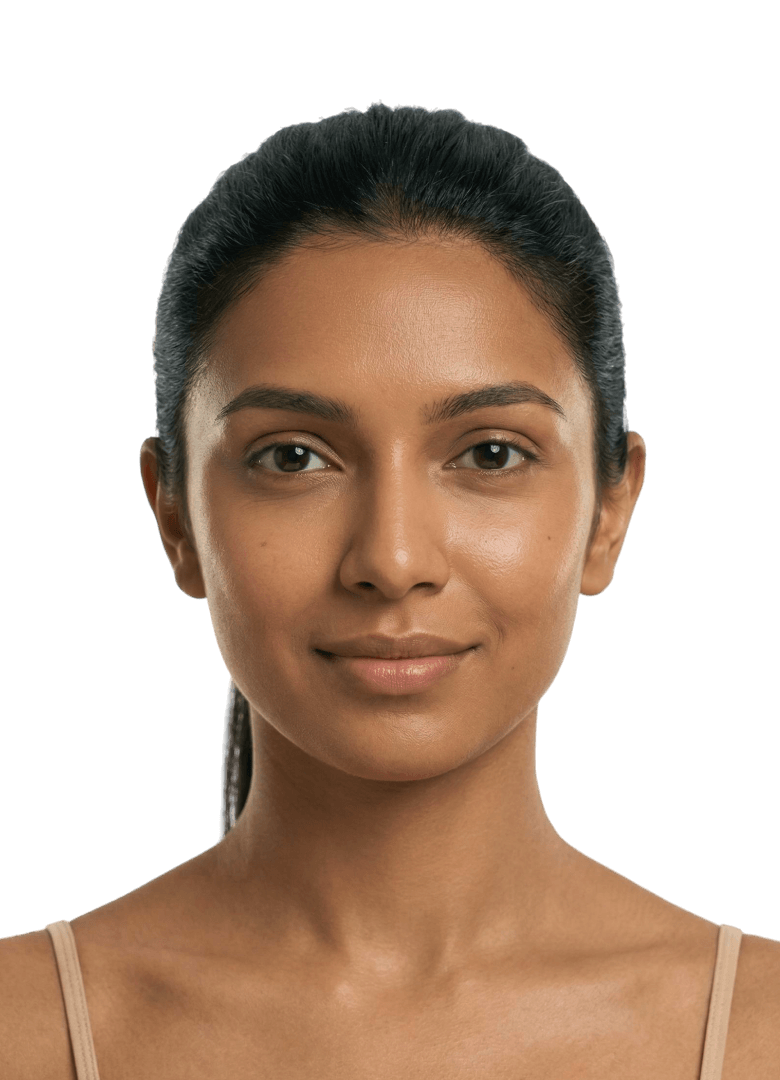
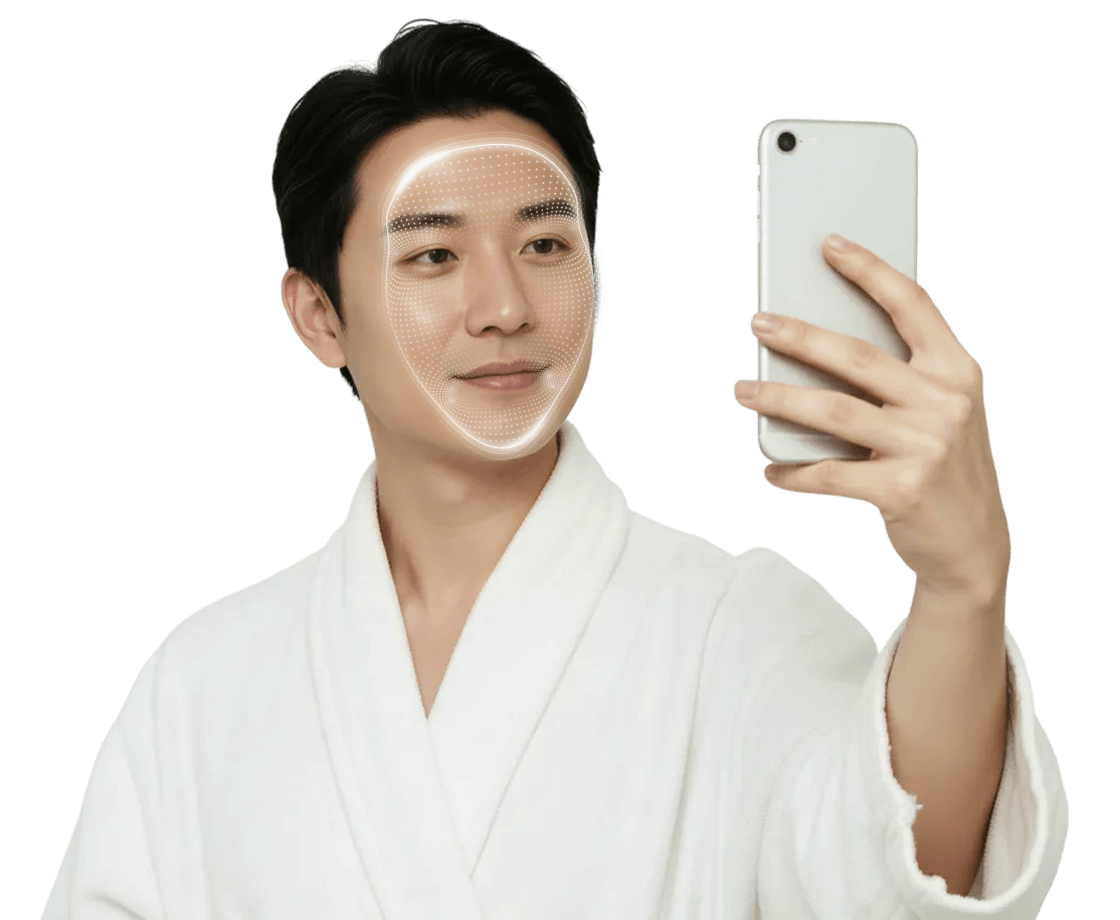
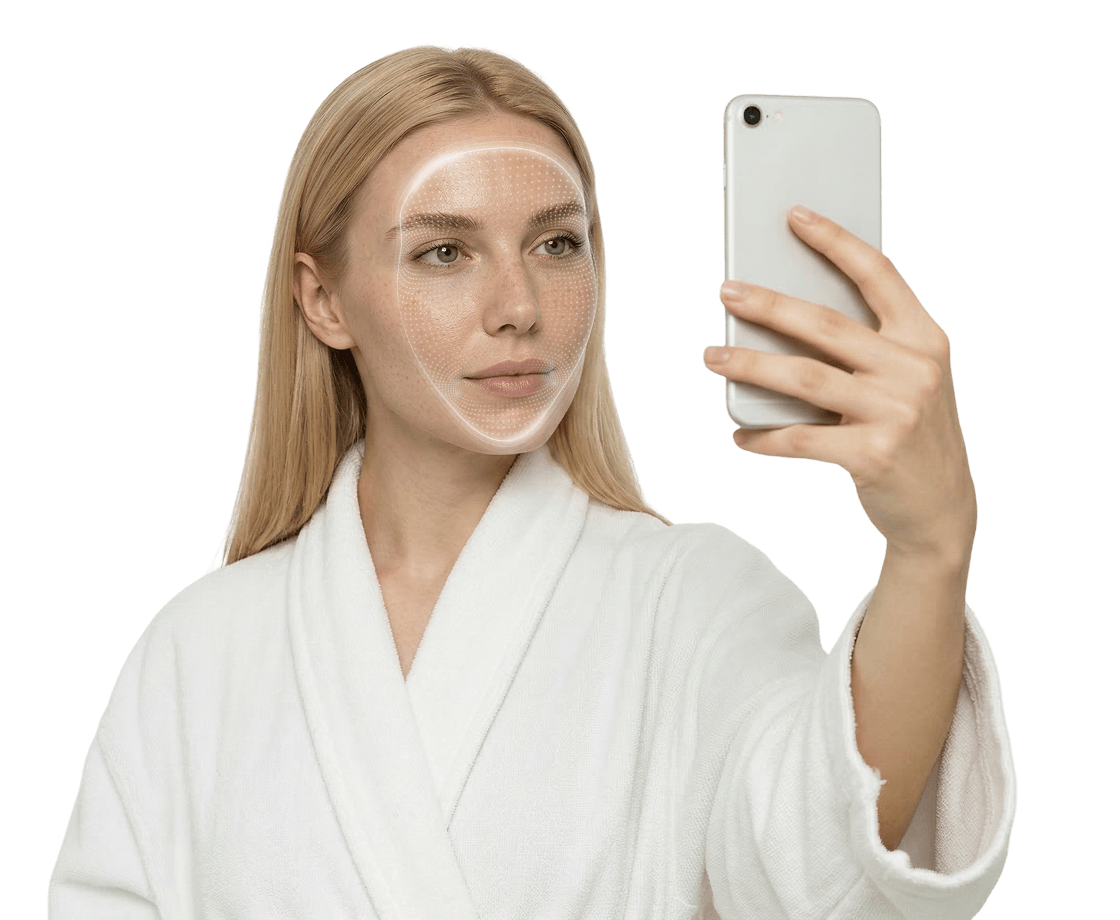
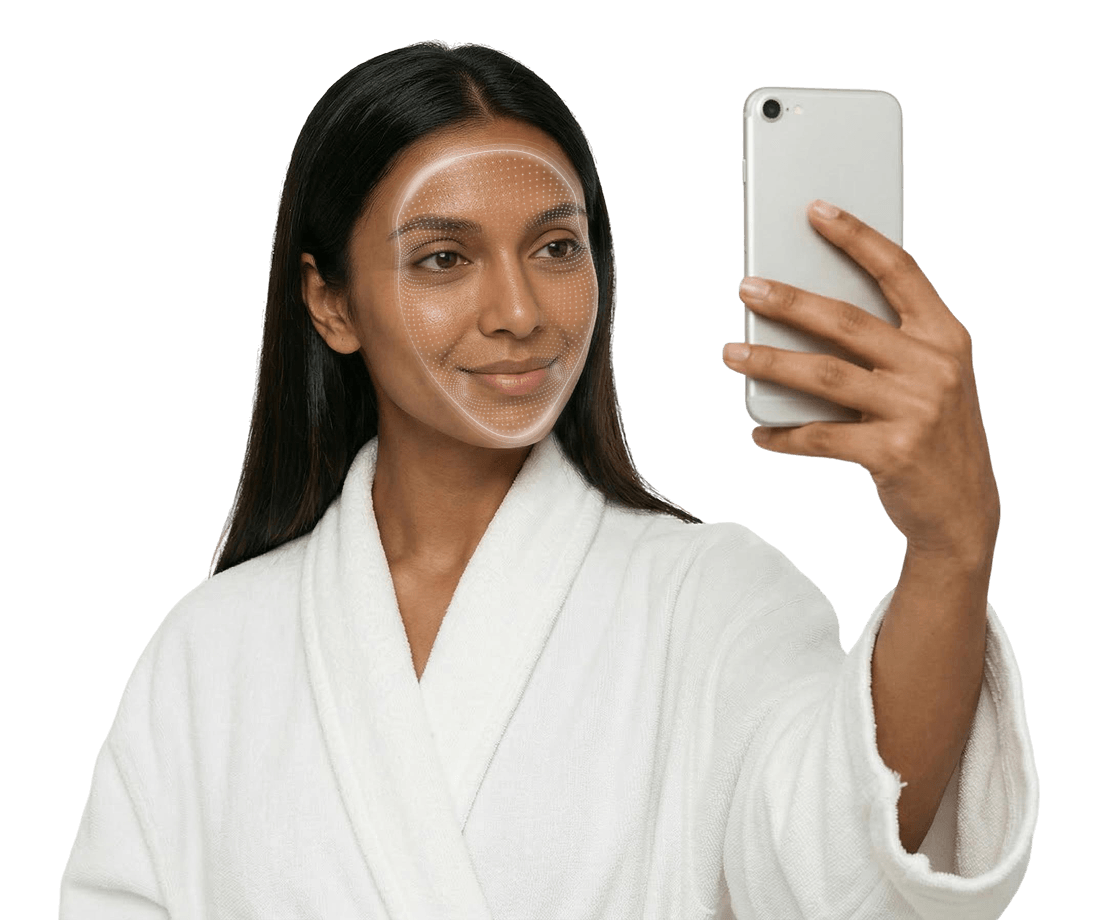
Character Customization controls the model shown in the Source Selection and Tutorial parts of the LIQA interface. Use it when the default model should be replaced with visuals that feel more fitting for your brand. It is managed through the character and tutorial-character attributes and can be enabled as shown below:
html
<hautai-liqa license="LICENSE_KEY" character="1" tutorial-character="8"></hautai-liqa>javascript
new Liqa({
  target: "#selector",
  license: "LICENSE_KEY",
  character: 1,
  tutorialCharacter: 8,
})
Attribute Behavior
| Attribute | What it changes | When to use it |
|---|---|---|
character | Source Selection screen and built-in tutorials | Use when one character should represent the whole LIQA UI. |
tutorial-character | Built-in tutorials only | Use when tutorial visuals should differ from Source Selection visuals. |
- When both attributes are provided,
tutorial-charactertakes precedence for the tutorial, while Source Selection still usescharacter. - If
characteris not provided, LIQA keeps the default Source Selection screen. - If the selected character does not have the required assets for a specific screen, LIQA falls back to the default built-in character with ID
0. - Most characters support both
imageandvideotutorials.
Hair preset limitation
The tutorial-character attribute applies to built-in face and face-180 tutorials. The built-in hair tutorial uses its default tutorial visuals.
How it works
- LIQA reads
characterandtutorial-characteras numeric zero-based character IDs. - If
characteris provided, LIQA uses that character on the Source Selection screen and also uses it for tutorials by default. - If
tutorial-characteris also provided, LIQA keepscharacterfor Source Selection and overrides the tutorial visuals withtutorial-character. - If only
tutorial-characteris provided, LIQA keeps the default Source Selection screen and applies the selected character only to the built-in tutorials. - If a selected character is missing the assets required for the currently displayed screen, LIQA falls back to the default built-in character with ID
0for that screen.
Affected APIs
- Tutorial:
tutorial-characterchanges built-in tutorial visuals for supported presets. - Styles: Source Selection and Tutorial selectors remain available when character visuals are enabled.
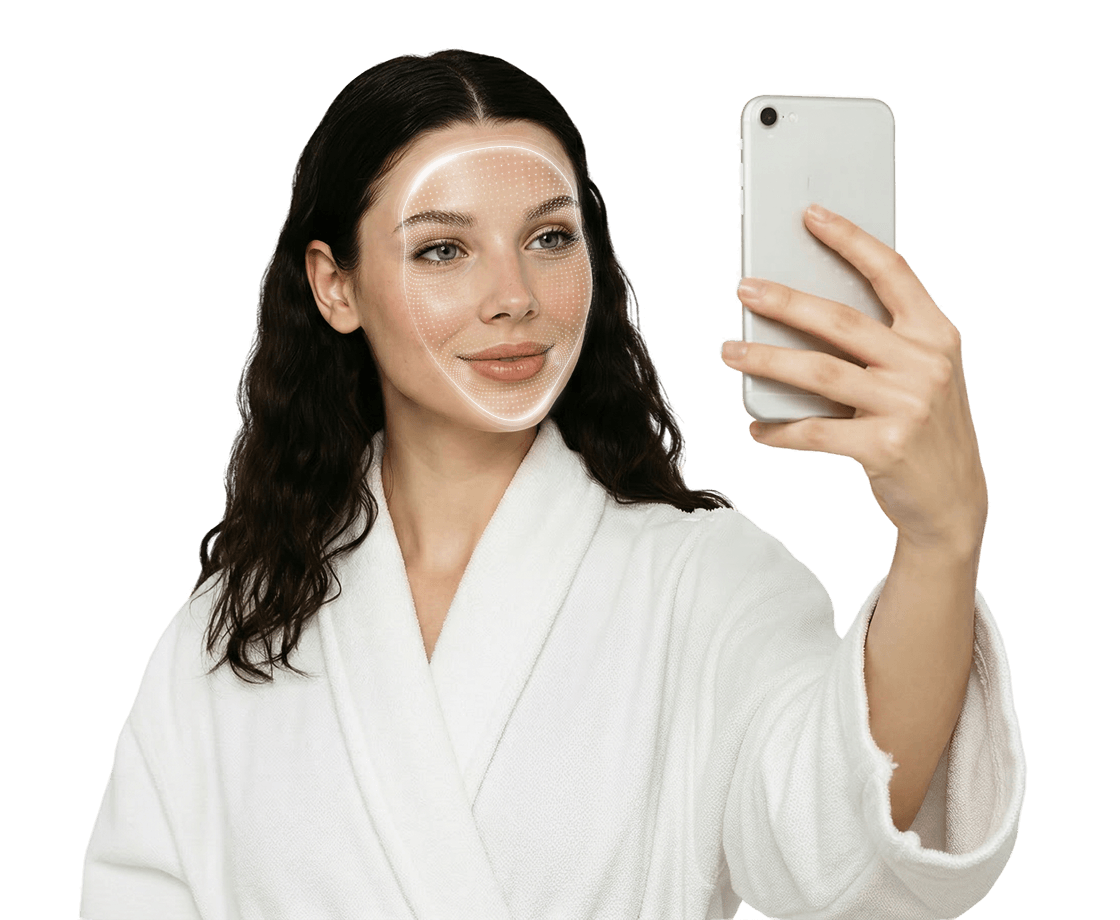
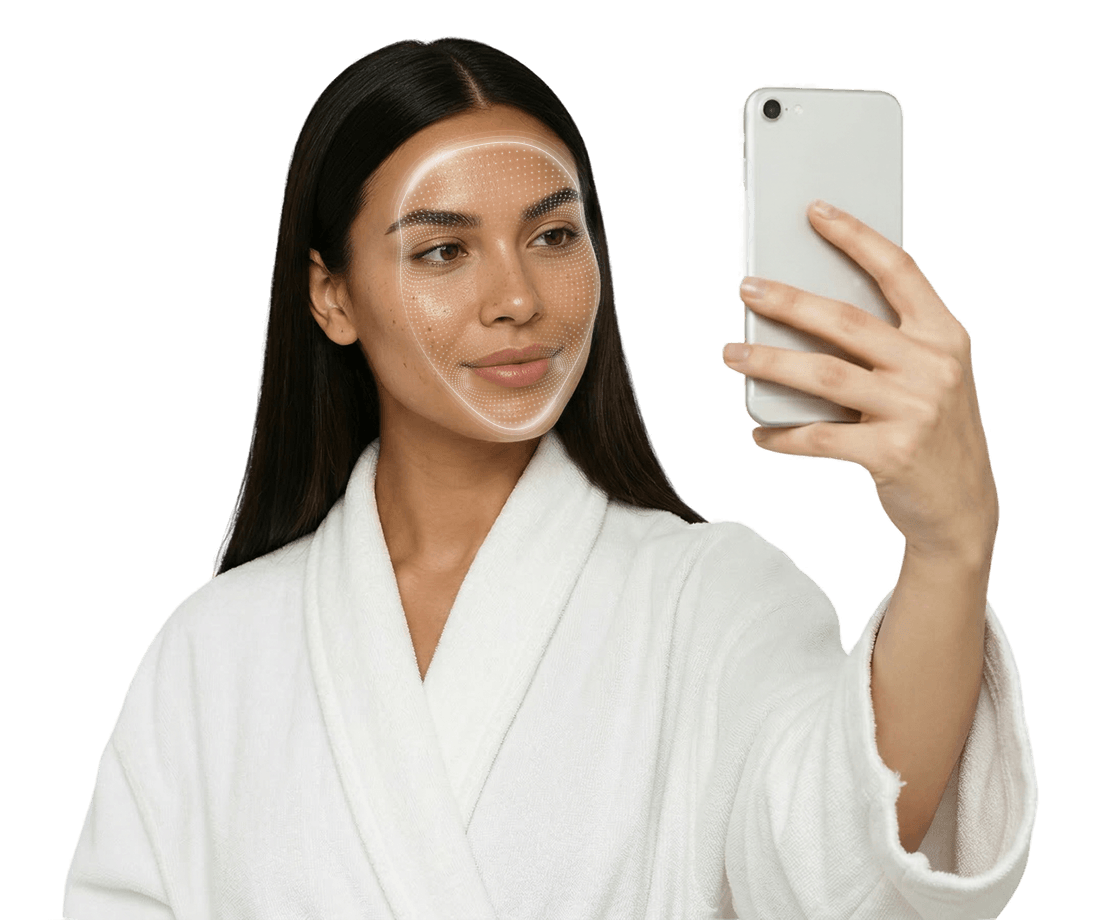
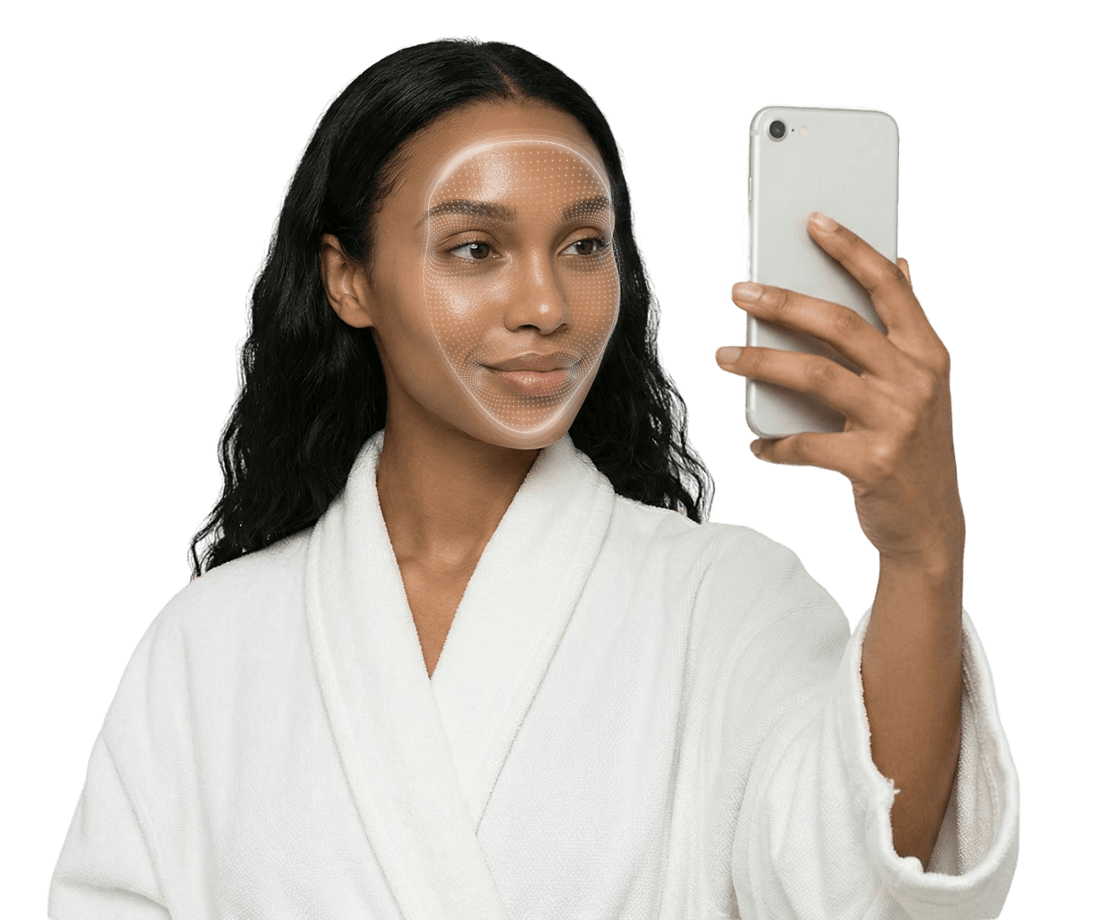
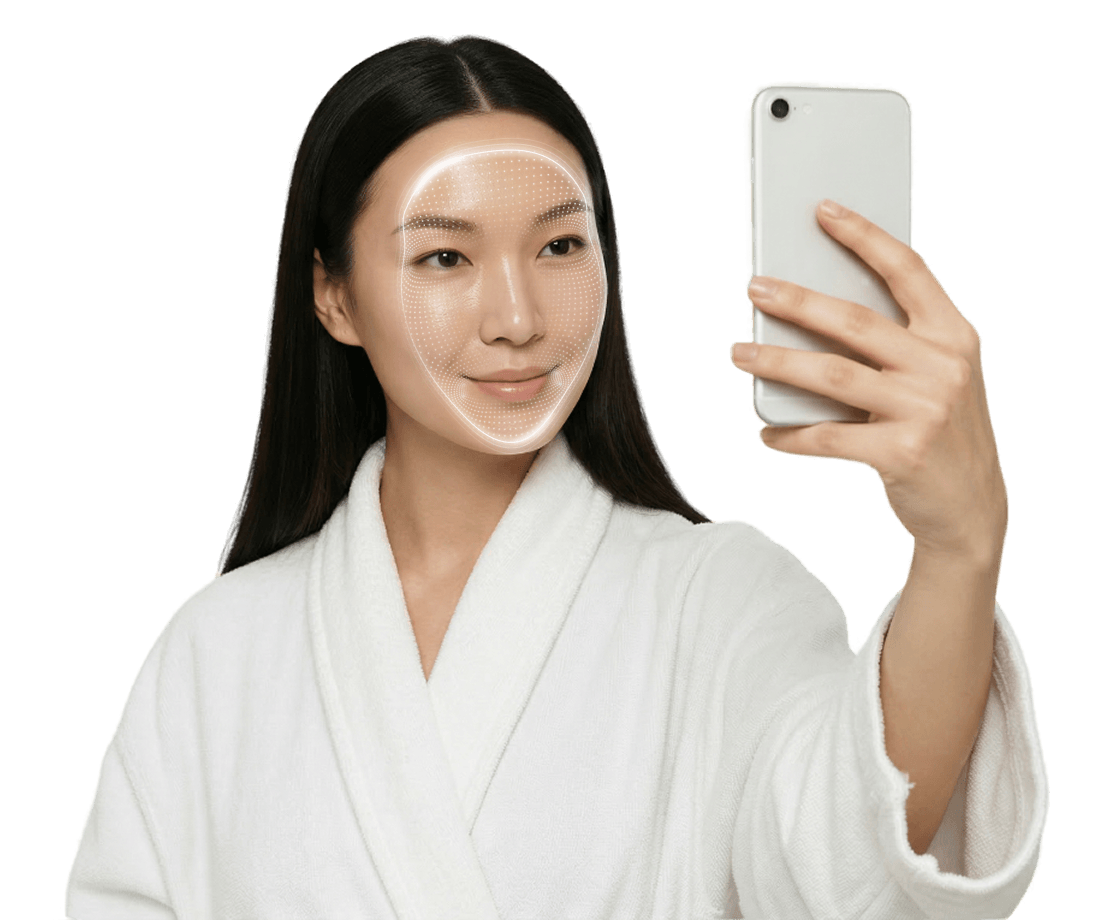
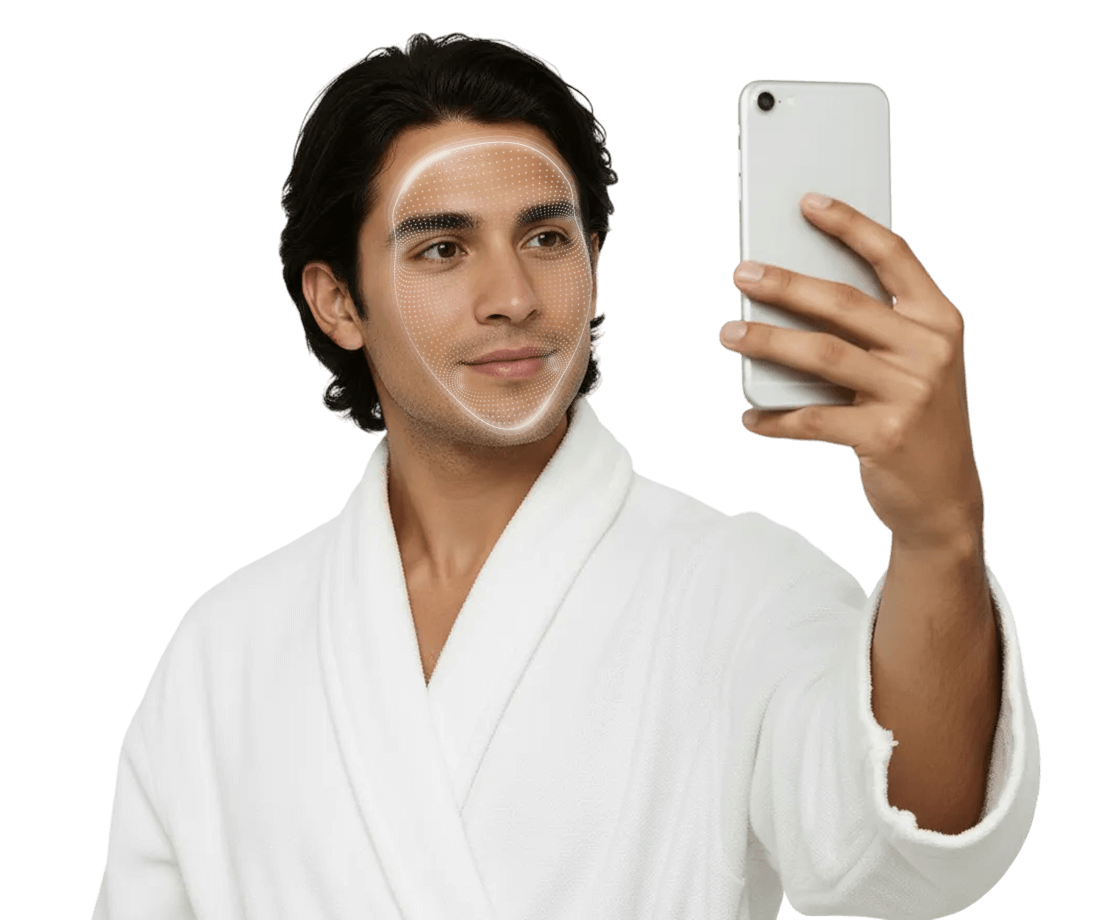
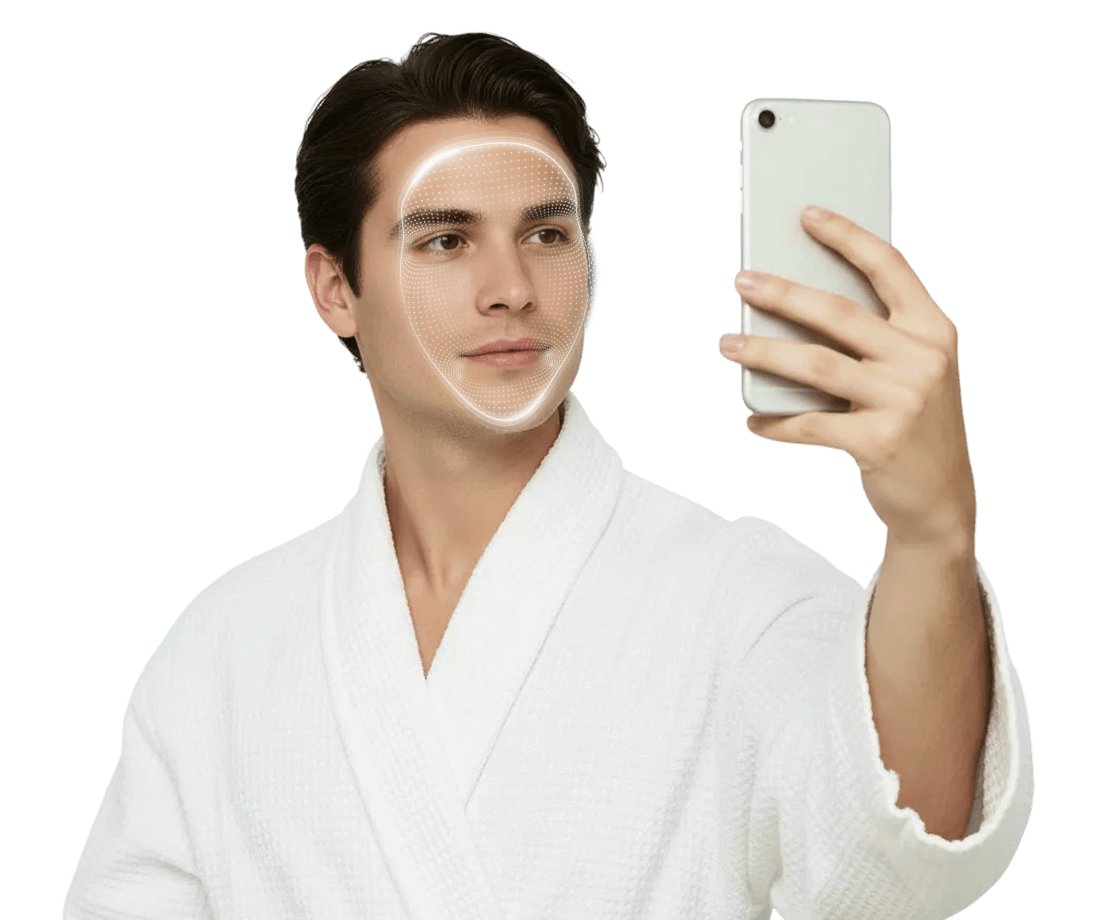
Character Visual Examples
Source Selection examples

Tutorial examples